Dashboard
Your next best move, your Clan Boss team against the boss's speed, records and what changed since your last import.
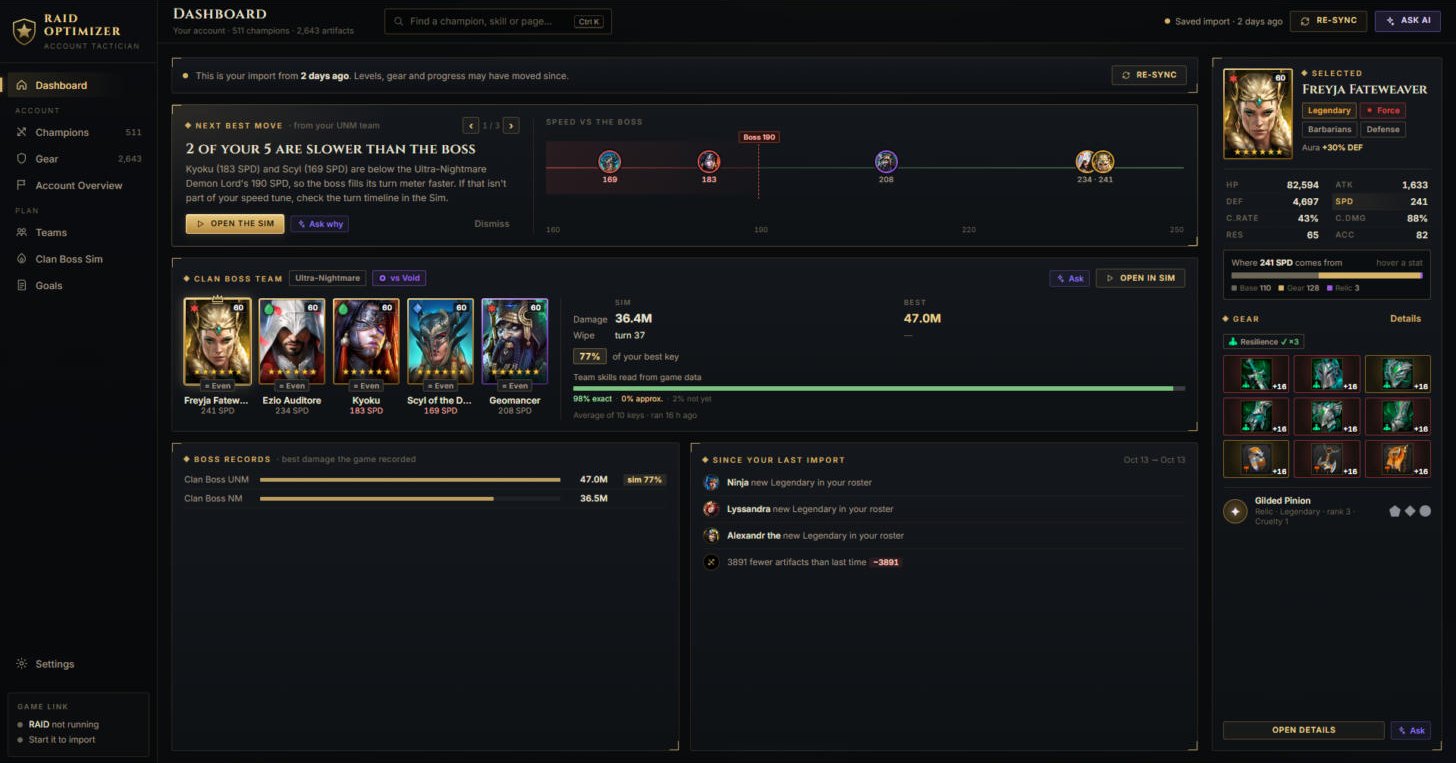
- Next best move picks one thing to fix, with a button that takes you there.
- Re-sync imports again after you changed gear or levelled champions.
Champions
Your built champions with every stat traced to where it comes from - gear, Great Hall, masteries, blessings - plus books and warnings.
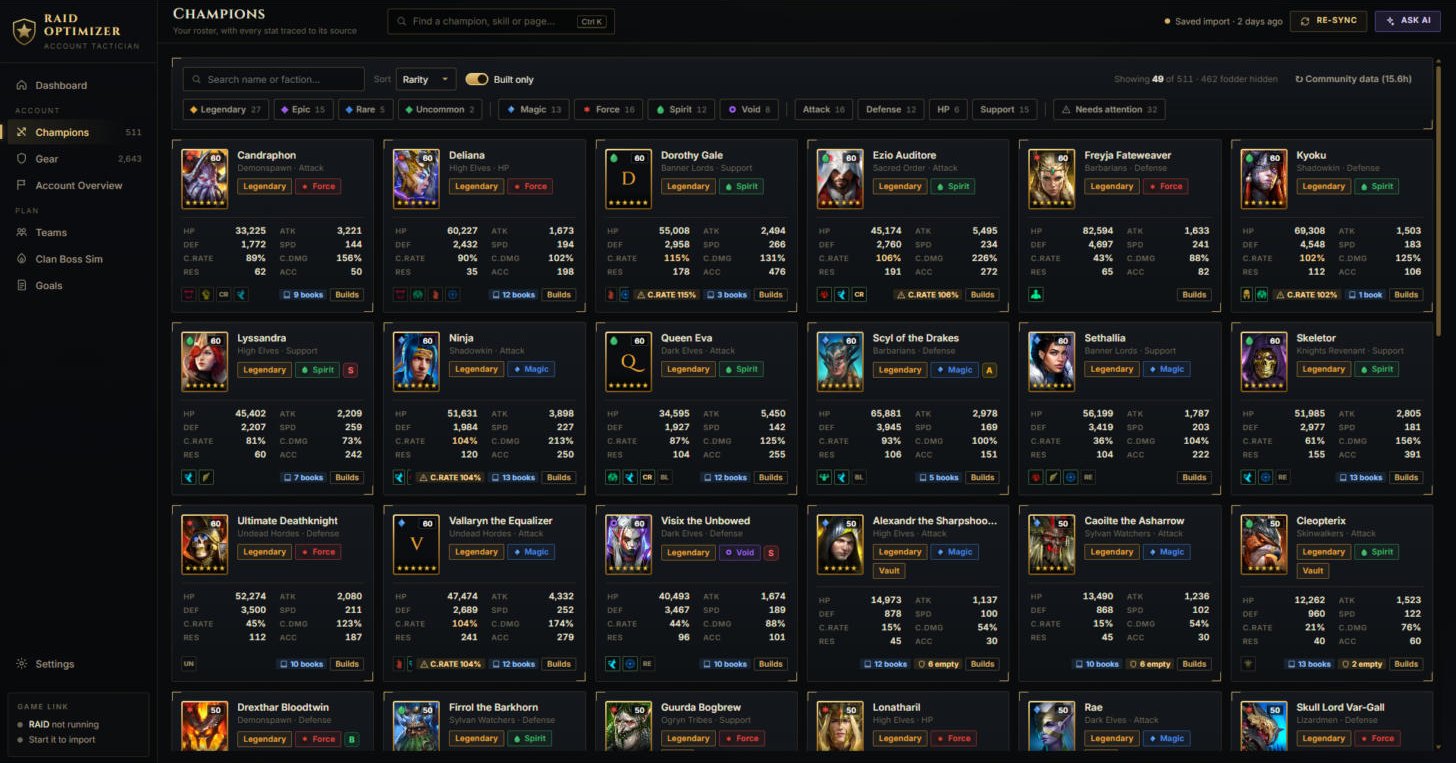
- Hover a stat to see where it comes from.
- Built only hides food and fodder; Needs attention shows champions with empty slots or crit over 100%.
Gear
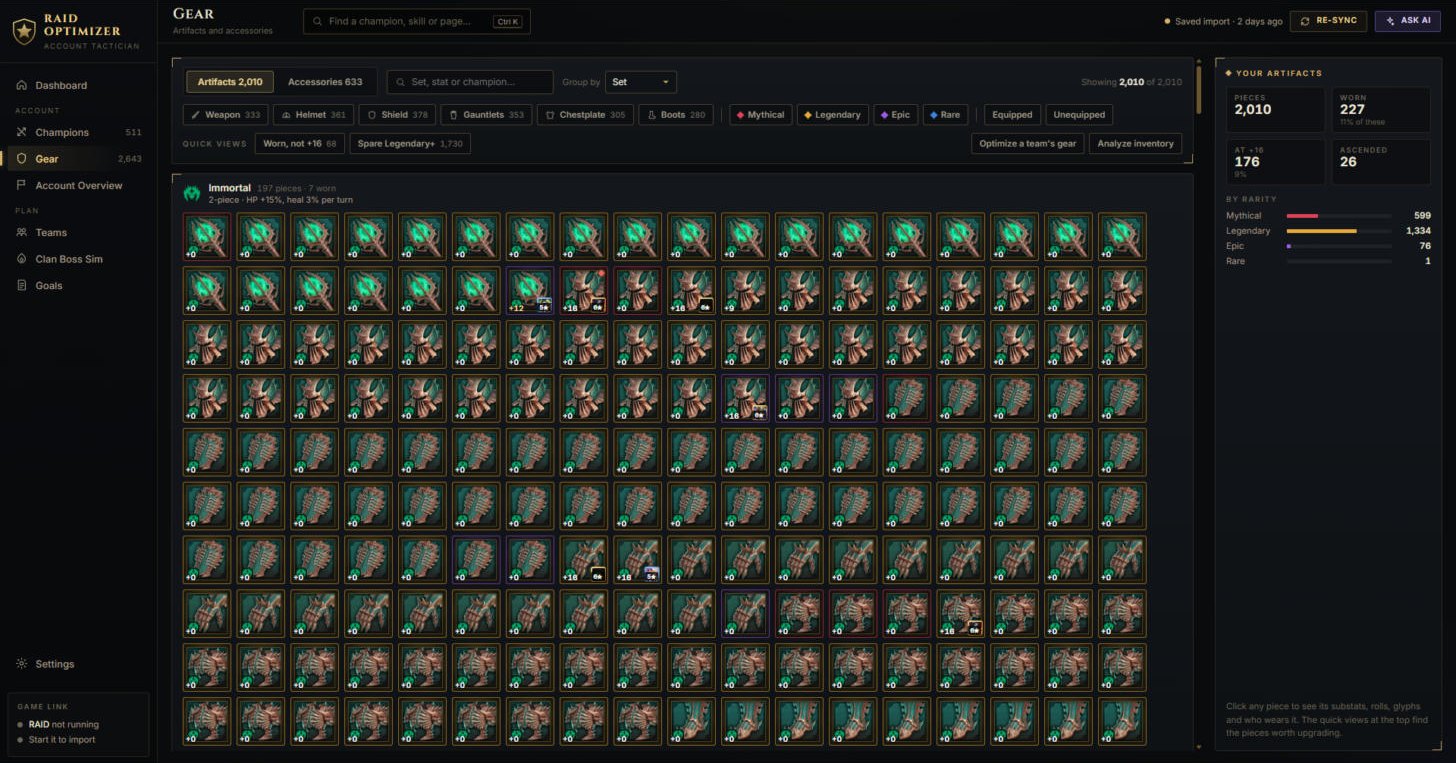
All your artifacts and accessories grouped by set, with quick views for the pieces worth upgrading.
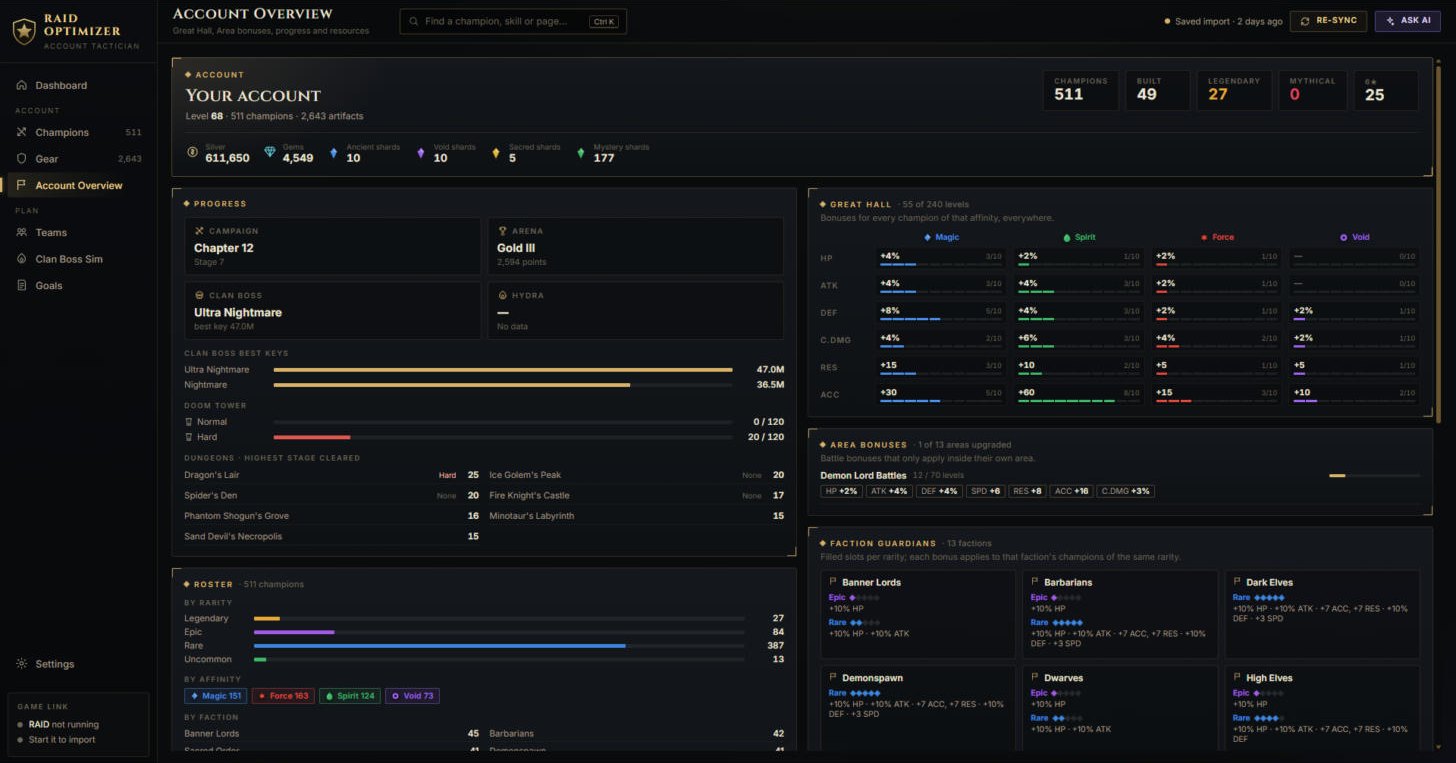
Account Overview
Progress, resources, Great Hall, area bonuses and Faction Guardians in one place.
Clan Boss Sim
Five champions, a difficulty and an affinity: the simulator plays the key battle by battle and shows damage, the turn your team wipes and each champion's share.
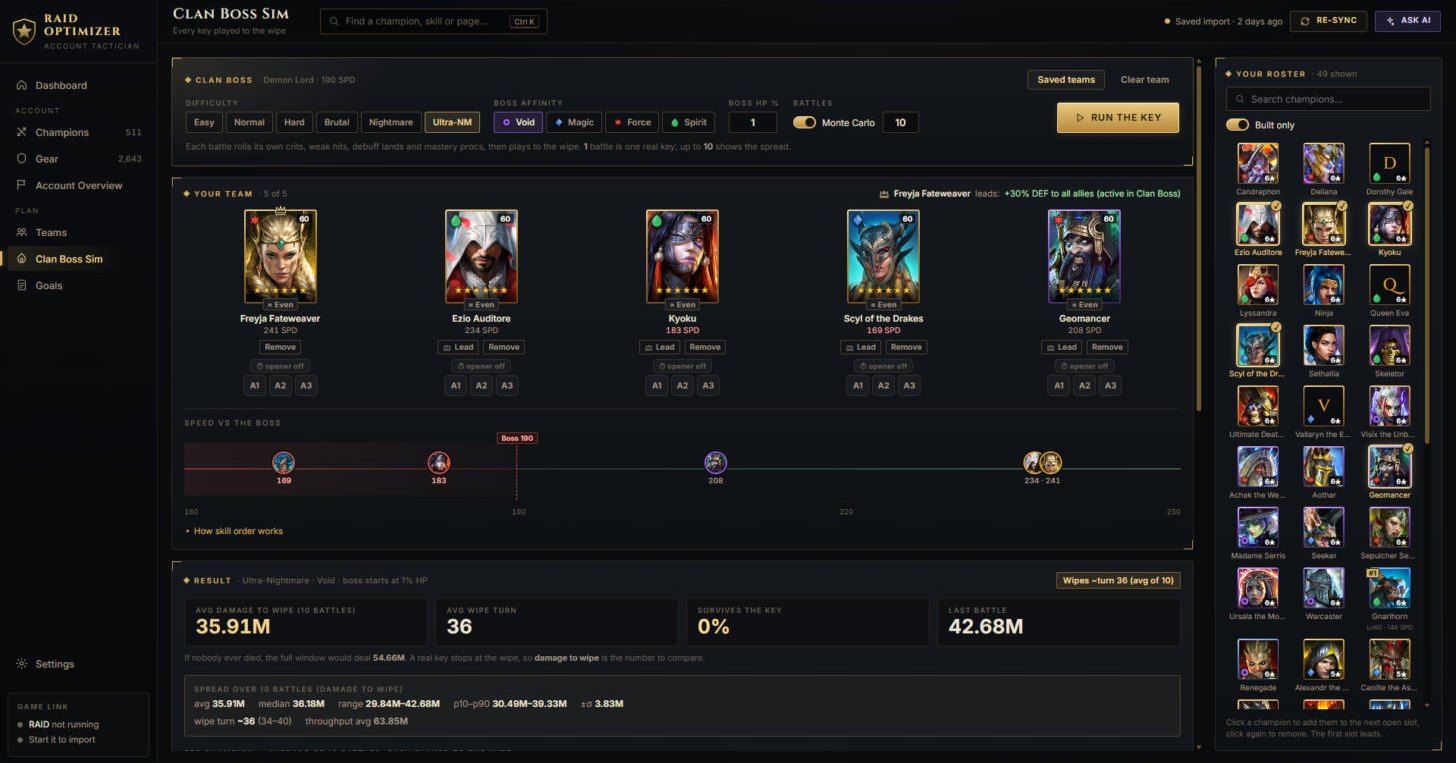
- One battle is one realistic key; 10 battles show the spread from bad to good luck.
- The chips under each champion set the skill order; the first slot is the leader (its aura applies).
- Saved teams keeps a team for later - it then shows on the Teams screen.
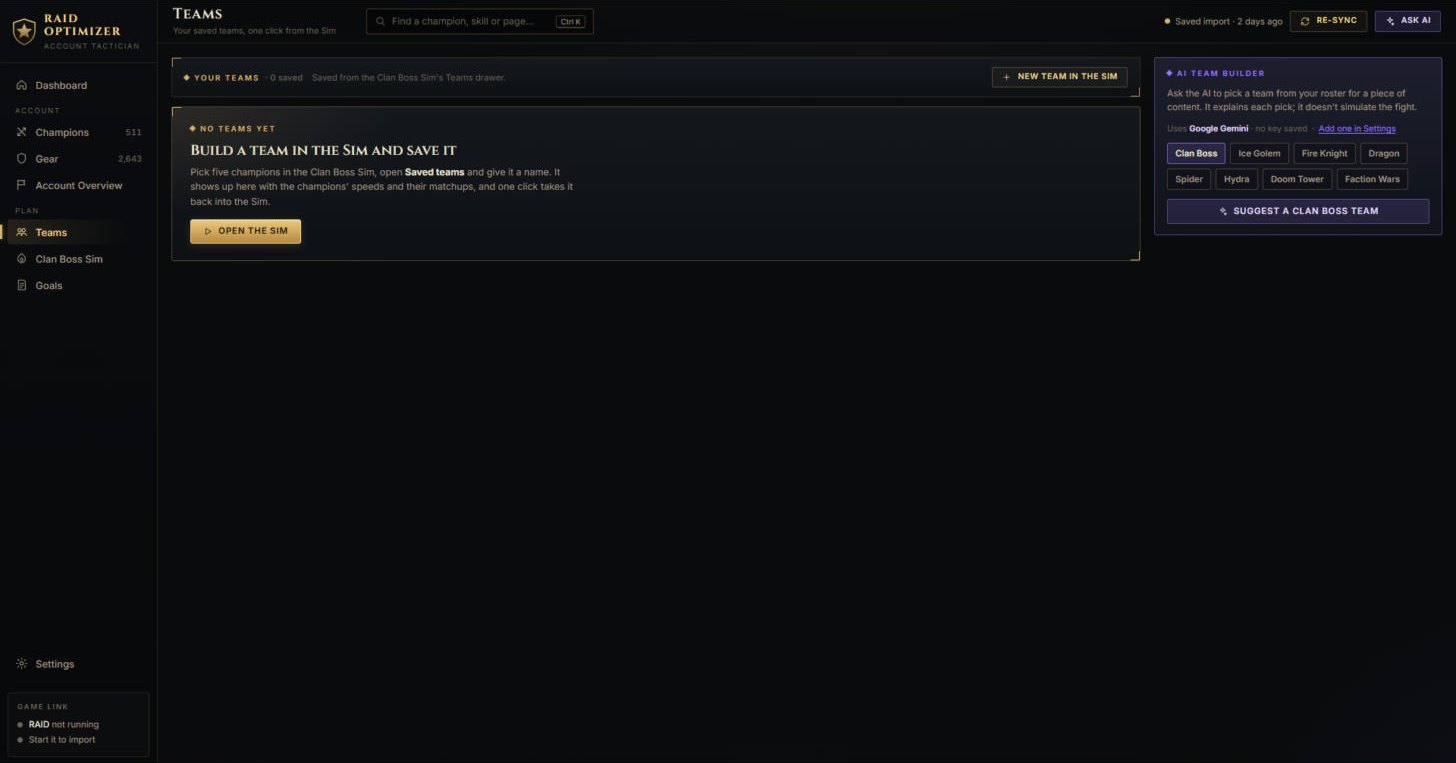
Teams
Teams saved from the simulator, and the AI team builder for each game mode.
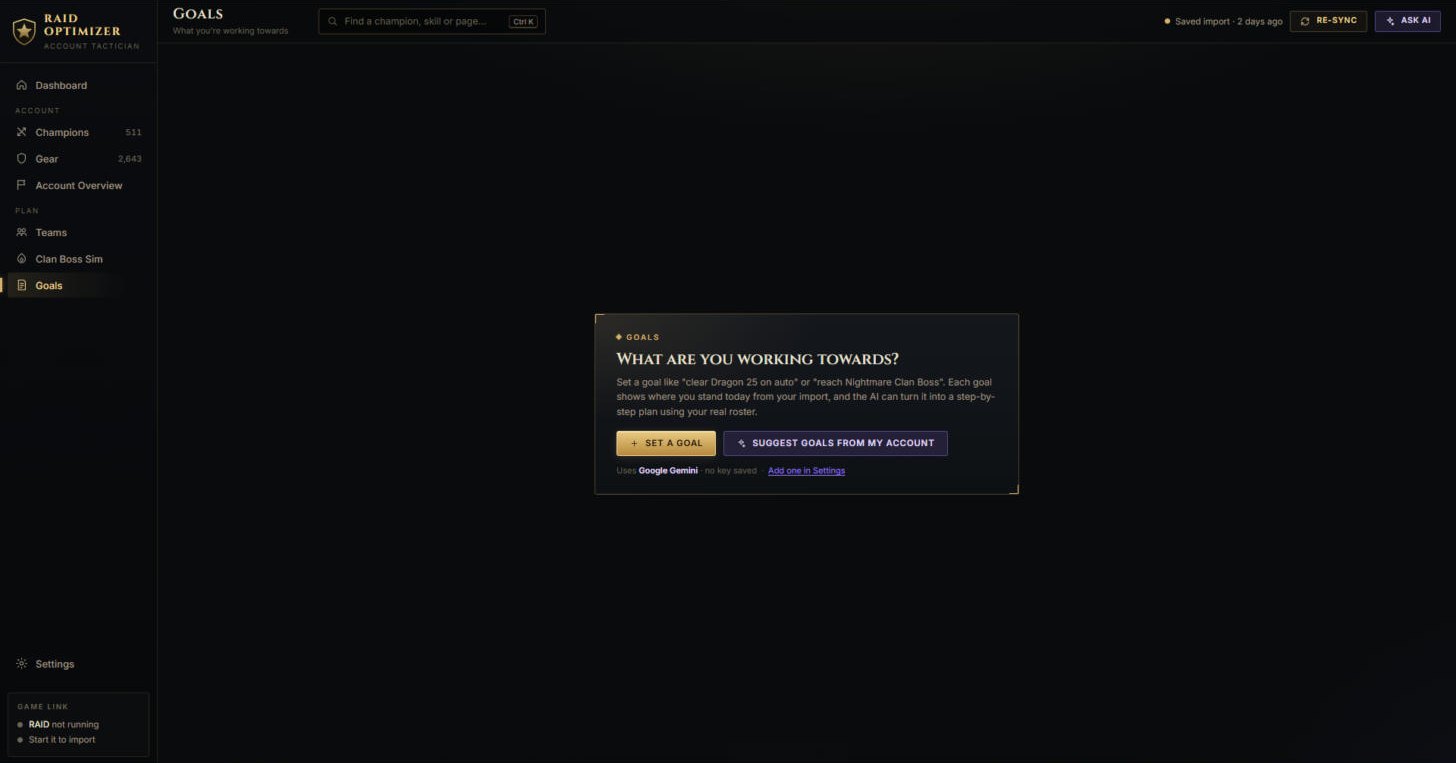
Goals
Set a goal and see where you stand; the AI can turn it into a plan for your roster.
Settings
The beta server, your AI provider and key, and what the app keeps on your PC.
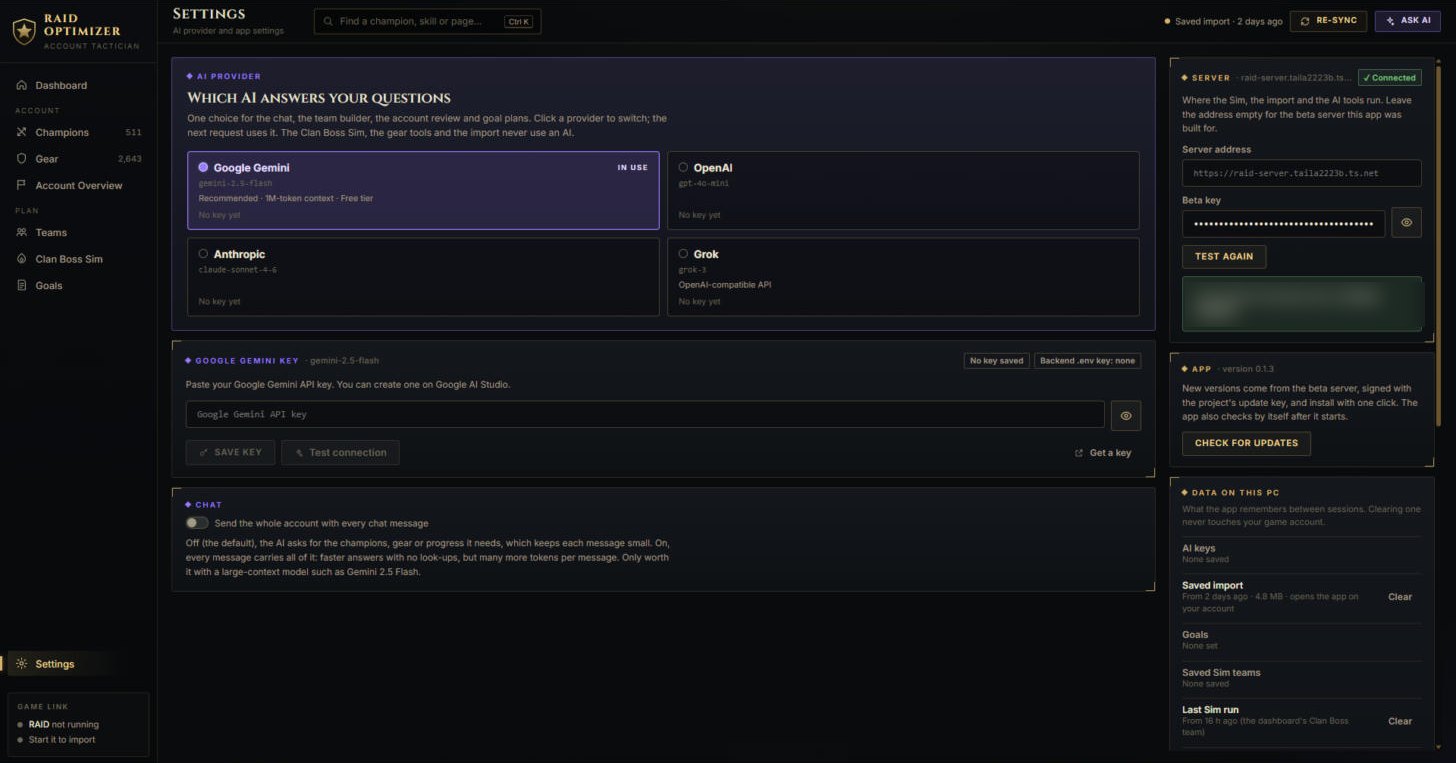
- The Server panel holds your beta key; the AI provider panel your AI key - setup with pictures.
- Data on this PC lets you clear anything the app stored.