Free for RAID: Shadow Legends on PC
Plan your teams on your real account
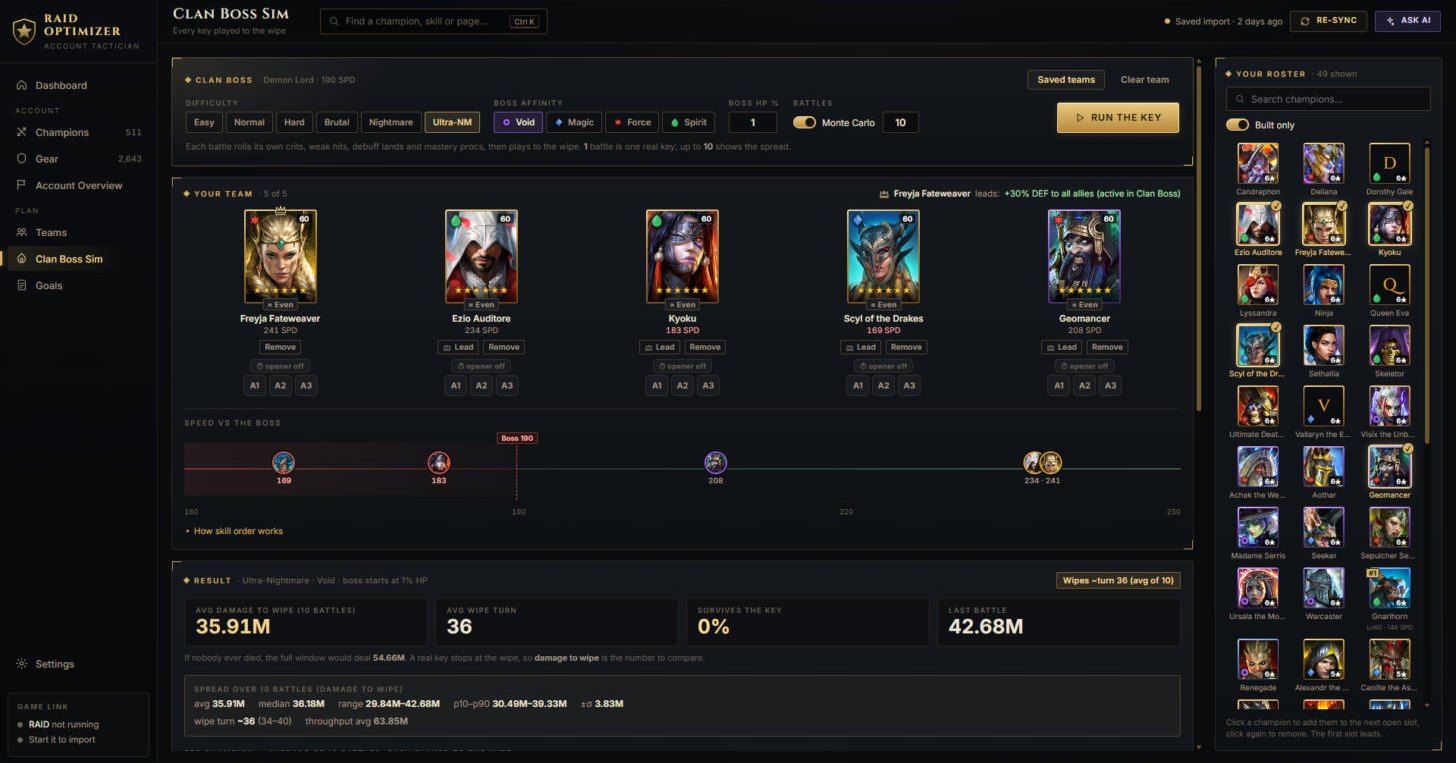
Raid Optimizer reads your champions and gear straight from the game on your PC, simulates Clan Boss keys battle by battle, and explains what the numbers mean - with an AI assistant that uses your own free key.
DownloadDownload for Windows
Windows 10 or 11, 64-bit · needs a beta key to connect · the download takes a minute or two
What's new: The import now reads how each passive's cooldown starts and which skill a champion counterattacks with (Clan Boss Sim accuracy). Your next import after updating takes a few minutes longer once.
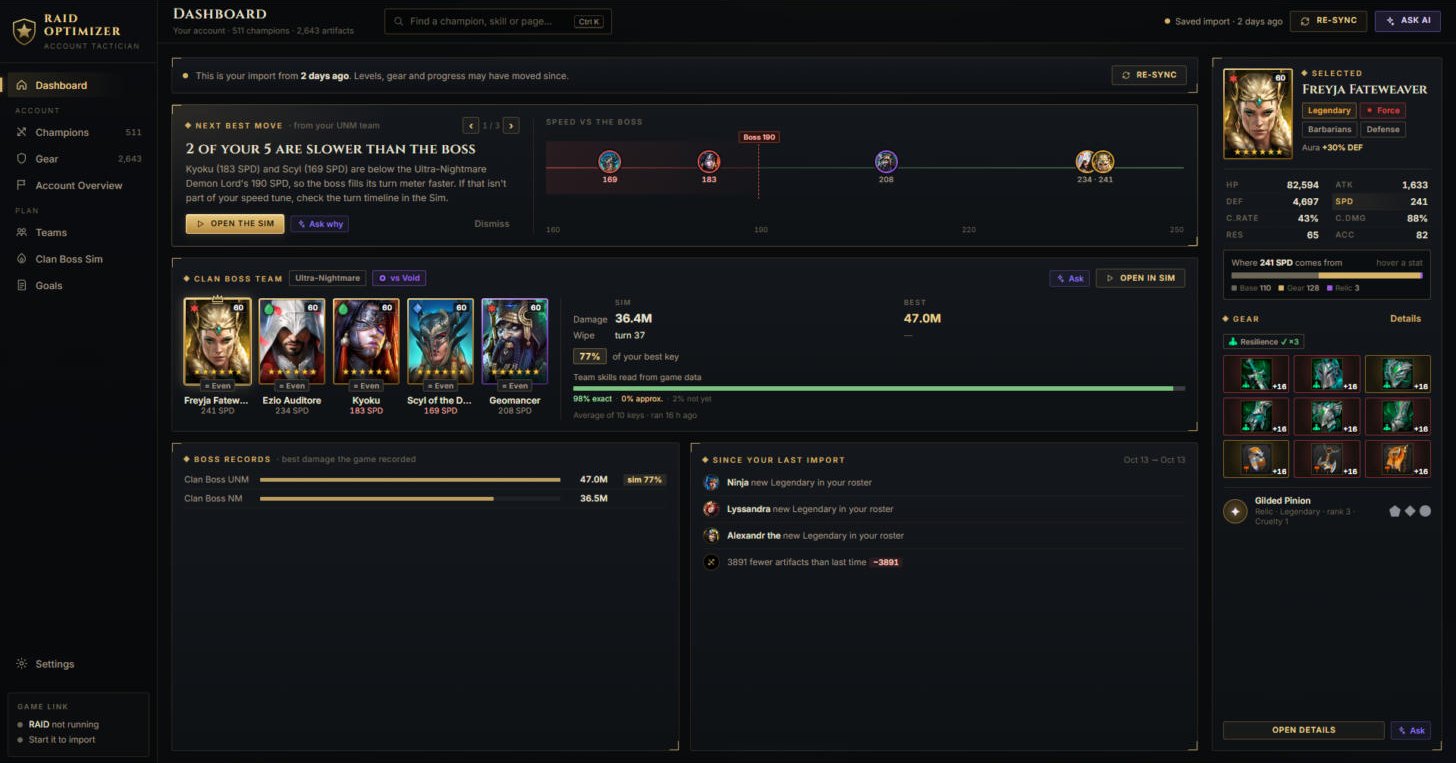
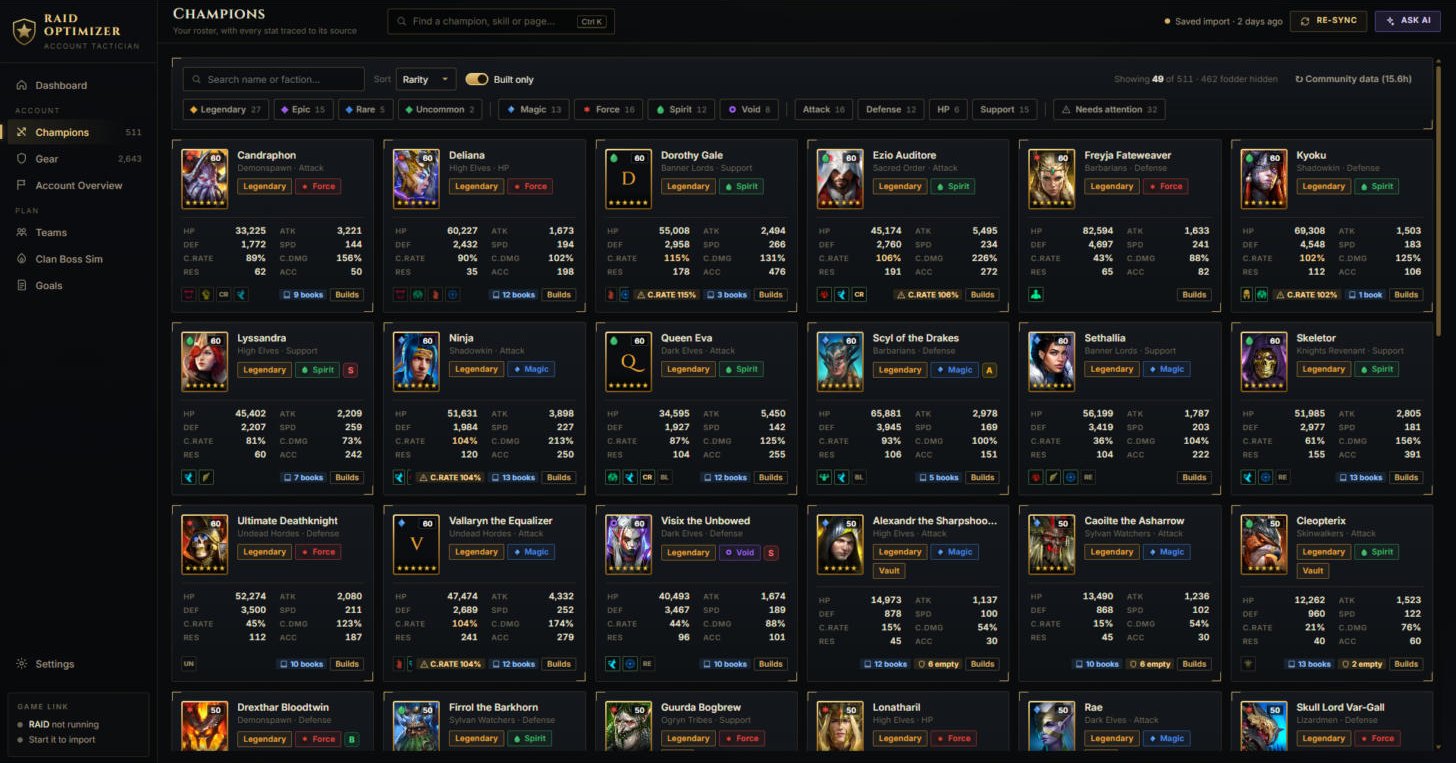
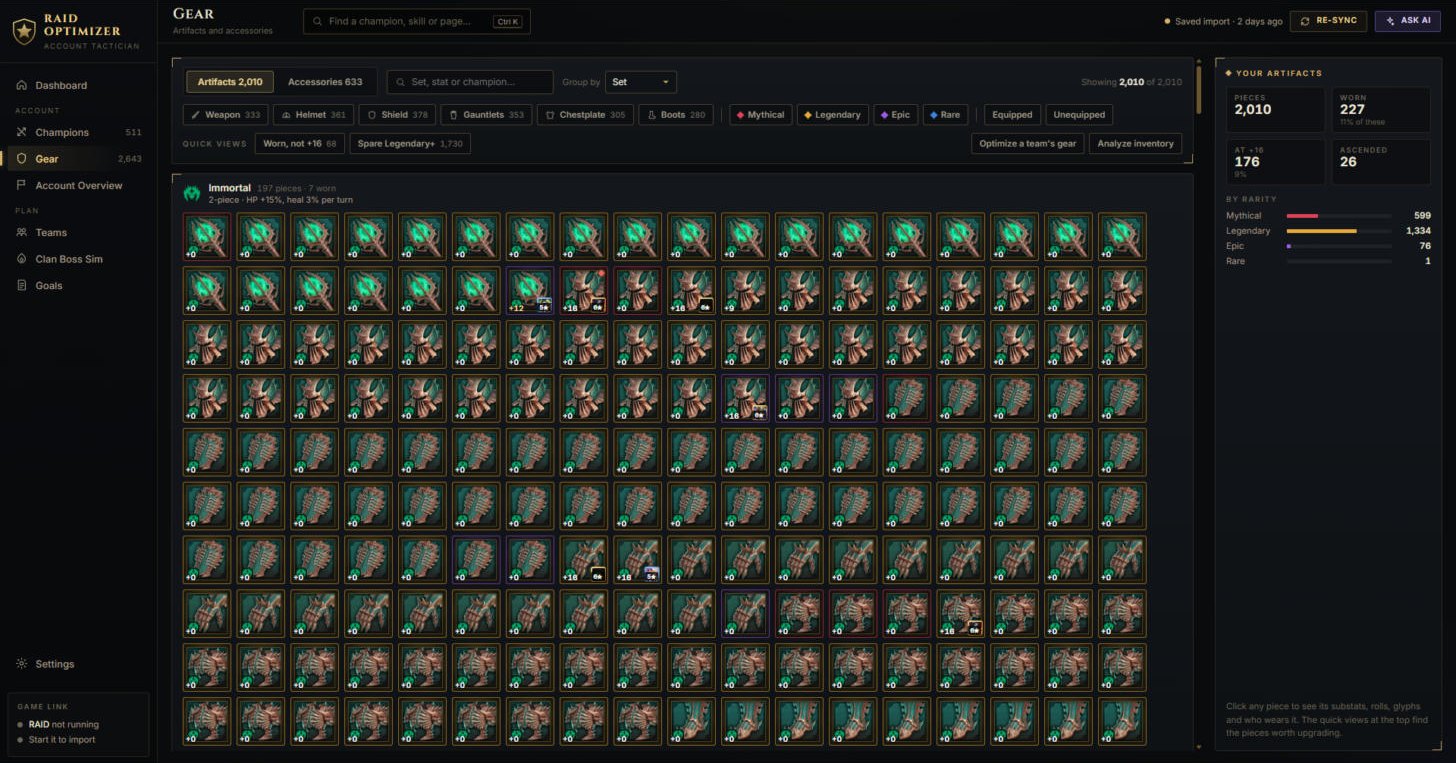
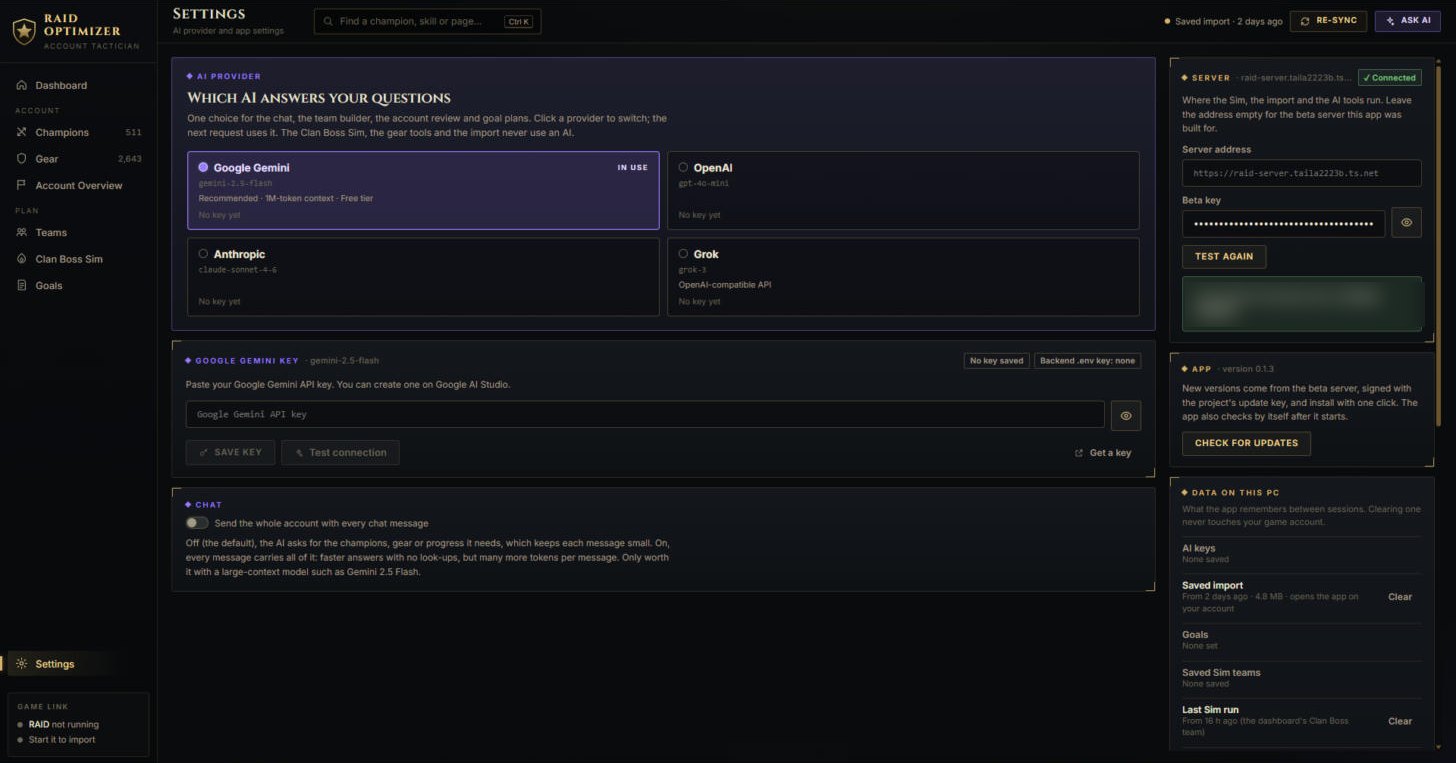
What it looks like
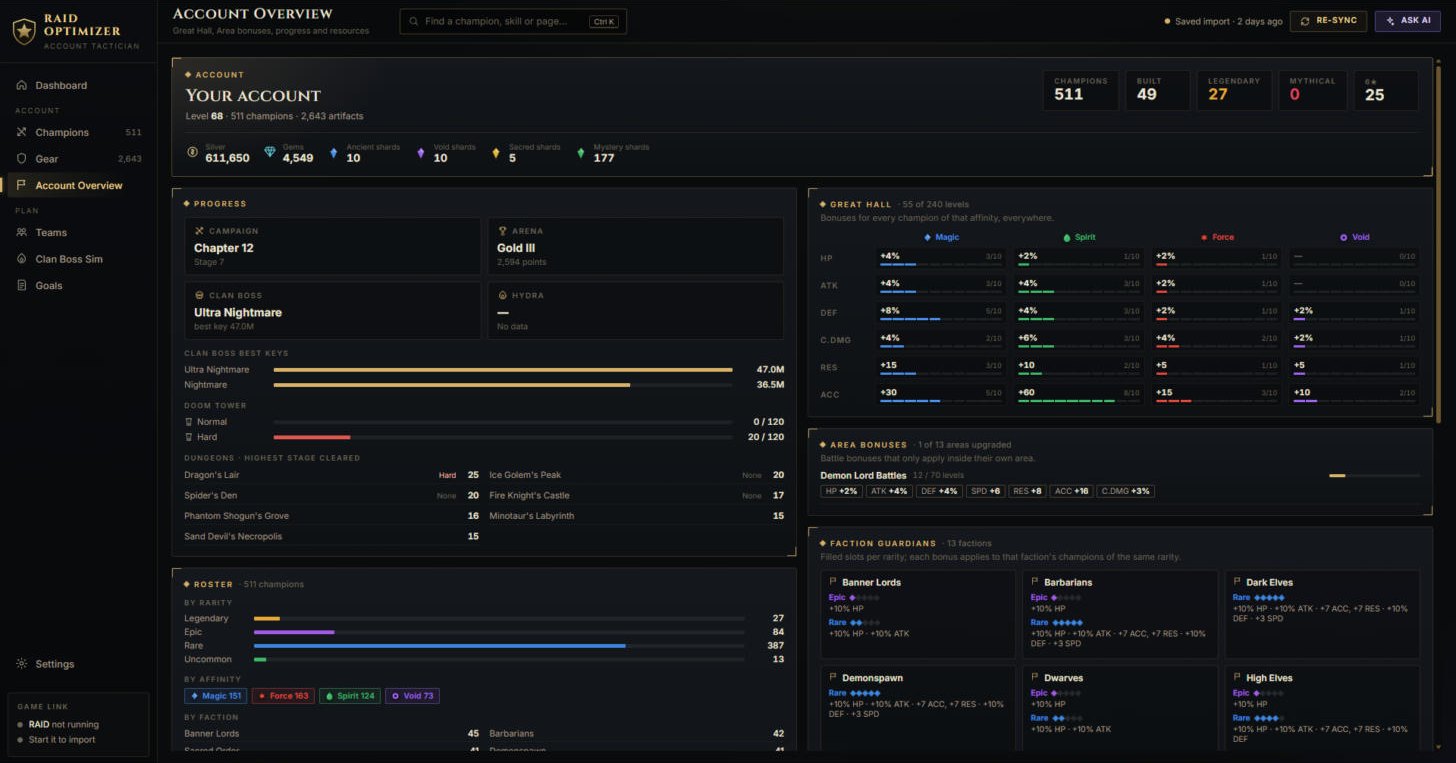
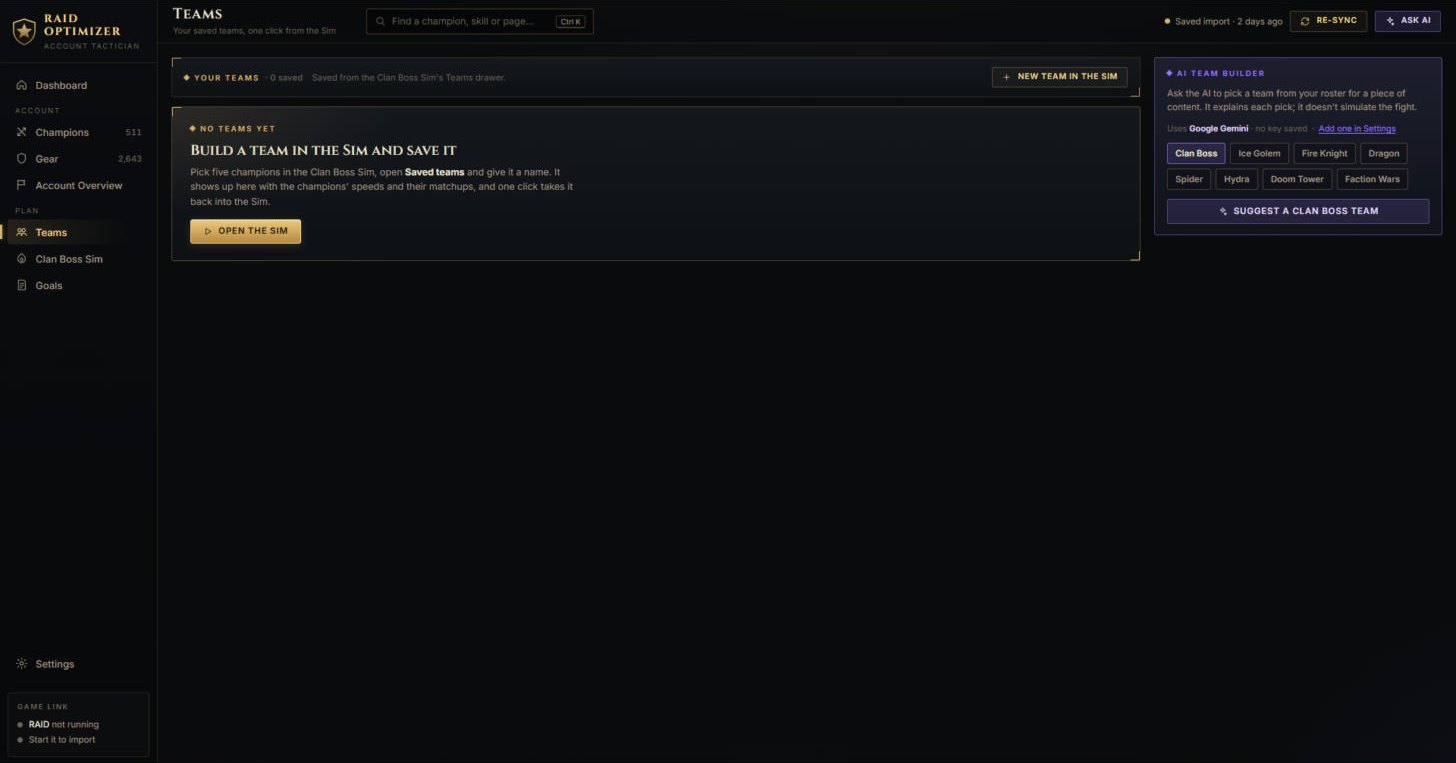
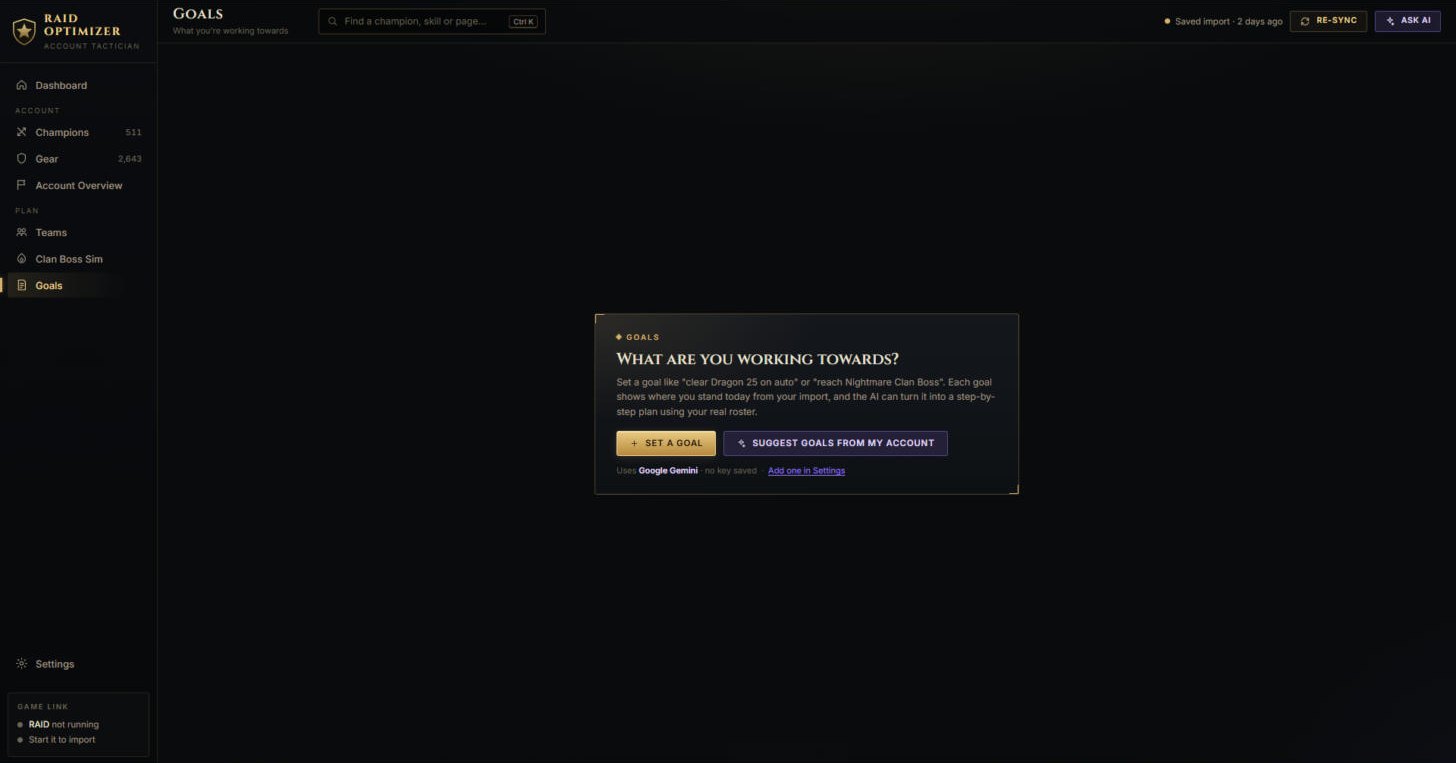
Real screenshots of the app with an imported account. Click one to see it full size.
What you need
- Windows 10 or 11, 64-bit
- RAID: Shadow Legends for PC (Plarium Play), logged in when you import
- A beta key - the beta is invite-only
- An internet connection - the simulator and the AI tools run on the beta server
- Optional: an API key for the AI features - Google Gemini's is free
Privacy in the beta
- The import reads the game's memory on your PC, read-only.
- Your account (champions, gear, progress) goes to the beta server over an encrypted connection, to be turned into the app's views and to run the simulator. The server keeps no copy of it.
- AI requests carry your API key to the provider you chose; the server uses it for that one request and does not store or log it.
- To see how the beta is used, the server reports each action - an import, a Sim click, an AI request (which provider only, never what you asked), an update, an error - with your beta key's nickname and the app version to PostHog, on its EU servers in Frankfurt. Never your account, your keys or your IP address.
- Only if you say yes when the app asks (or later in Settings → Privacy): it also tells the server which screens you open and when it shows or starts an update. Off unless you agree.
- This site counts visits and downloads without cookies: a visitor is a random pseudonym that changes every day, and no IP address is kept. The server's own log records only which page was asked for and when.
- On your PC the app keeps your last import, goals, saved teams and settings - including your keys, as plain text.
Questions
- How do I get a beta key?
- The beta is invite-only. Ask the person who sent you this page.
- Does it cost anything?
- The beta is free. The AI features use your own API key, so their cost (if any) is between you and the provider; Google Gemini has a free tier.
- The import says it needs administrator rights
- Close the app, right-click it and choose Run as administrator, then import again.
- Windows Defender or SmartScreen warns about the installer
- Beta builds are not code-signed yet, so Windows does not recognise the publisher. Choose More info → Run anyway. Updates the app installs by itself are checked against its own update key.
Careful Raid Optimizer is an unofficial, fan-made tool, not affiliated with, endorsed by or
connected to Plarium. Reading the game's memory is not approved by Plarium. Use it at your own risk.